
Why Your Squarespace Template Isn’t Converting (And How to Fix It)
This page may contain affiliate links. If you click on a link and make a purchase, I may receive a small commission at no cost to you. I only recommend products and services that I genuinely believe in and use myself.You’ve poured your heart and soul (and a whole lot of caffeine) into your Squarespace website. You picked a gorgeous template, uploaded your best photos, and launched with high hopes—only to find your inbox suspiciously empty. If your website looks stunning but your calendar isn’t filling up, it’s time for a reality check: design alone doesn’t drive conversions. It’s time to get strategic, ruthless, and a little bit obsessed with results. Let’s break down why your Squarespace template isn’t converting, and exactly how to flip the switch from “just pretty” to “profitable.”
The Difference Between Pretty and Profitable
Let’s get one thing straight: a beautiful website is not the same as a high-converting website. Squarespace templates are sleek and modern, but if you’re relying on default layouts and demo copy, you’re blending in with everyone else. Your site needs to do more than look good—it needs to guide visitors to take action.
Key problems:
Lack of clear CTA hierarchy
Scattered visual flow
No guidance toward signing up, booking, or purchasing
That means every element, from your headline to your CTA buttons, should be intentionally designed for your ideal client. Ask yourself: Does your homepage answer “What’s in it for me?” in three seconds or less? If not, you’re losing leads before they even scroll.
Quick fix:
Lead the eye: Place your primary call-to-action above the fold.
Contrast is key: Make buttons stand out.
Common Squarespace Template Pitfalls
Squarespace templates are a blessing and a curse. They give you a killer starting point, but they also tempt you to play it safe. Here are the top mistakes I see:
- Using generic stock photos instead of brand-specific images.
- Failing to customize fonts and colours, resulting in a forgettable brand.
- Overloading pages with text and cluttering navigation.
- Burying contact forms and CTAs in hard-to-find places.
- Ignoring mobile optimization (hint: over half your visitors are on their phones).
If you recognize your site in any of these, don’t panic. Awareness is the first step to a site that sells.
The Psychology of Conversion—Designing for Action
Conversion isn’t magic—it’s psychology. Your website should feel like a well-lit path, not a maze. Start with a bold, benefit-driven headline that tells visitors exactly what you do and who you do it for. Use clear, concise copy that speaks directly to your target audience’s pain points and desires. Strategically place CTAs (“Book Now,” “Get Started,” “Let’s Talk”) above the fold and throughout your site, so visitors never have to hunt for the next step. Remember, people skim—so use short paragraphs, bullet points, and plenty of white space to keep things digestible.
Copy That Doesn’t Guide Visitors
Your template or website might be gorgeous, but if your words don’t lead people through your website, nothing else matters.
Key copy mistakes:
Vague headlines that don’t tell visitors what you do
Walls of text instead of scannable sections
Weak CTA language (“Submit” vs “Get Started Today”)
Quick fix:
Use AI tools strategically to draft copy that matches your brand tone.
Organize content in short sections with clear headings.
Include action-oriented CTA buttons on every major section.
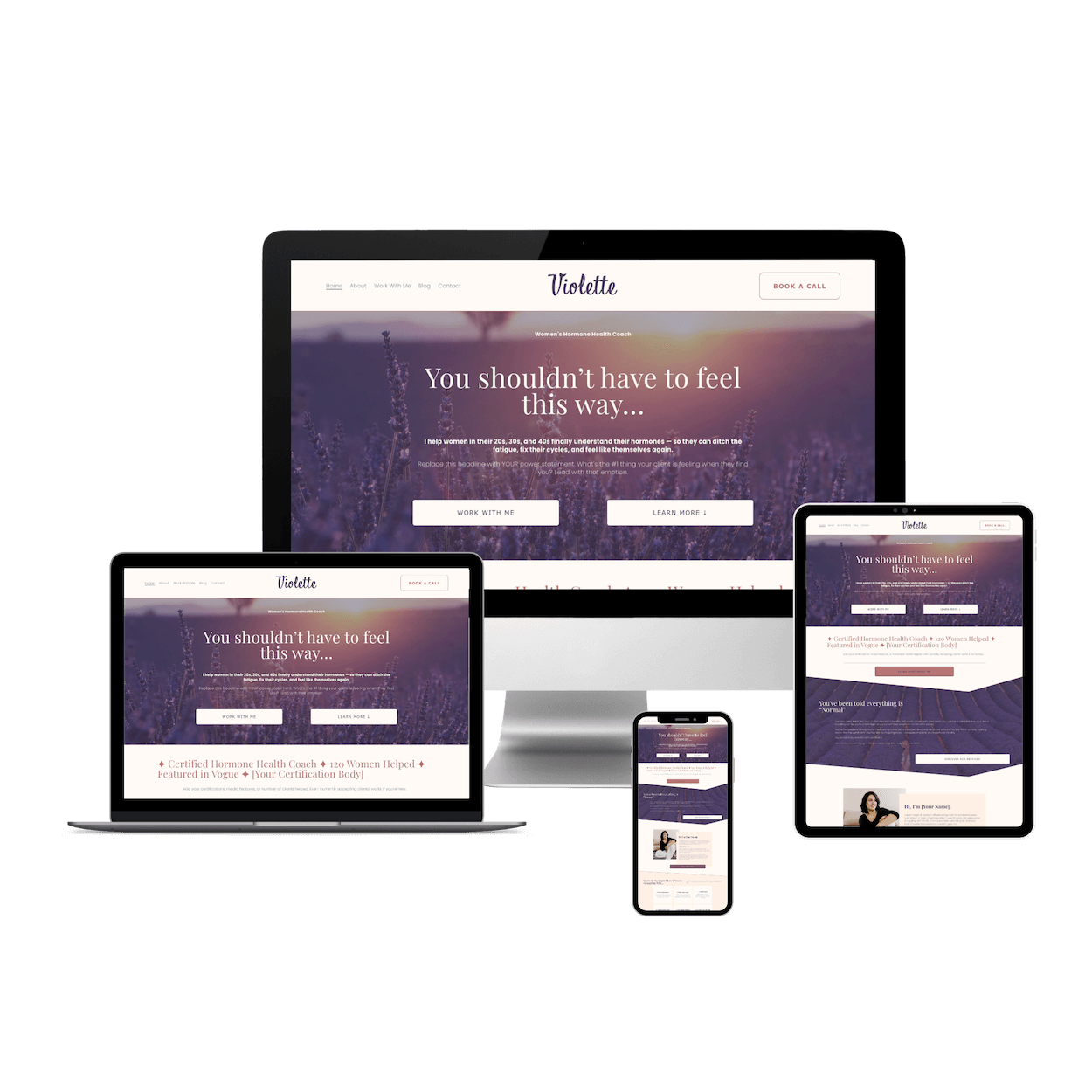
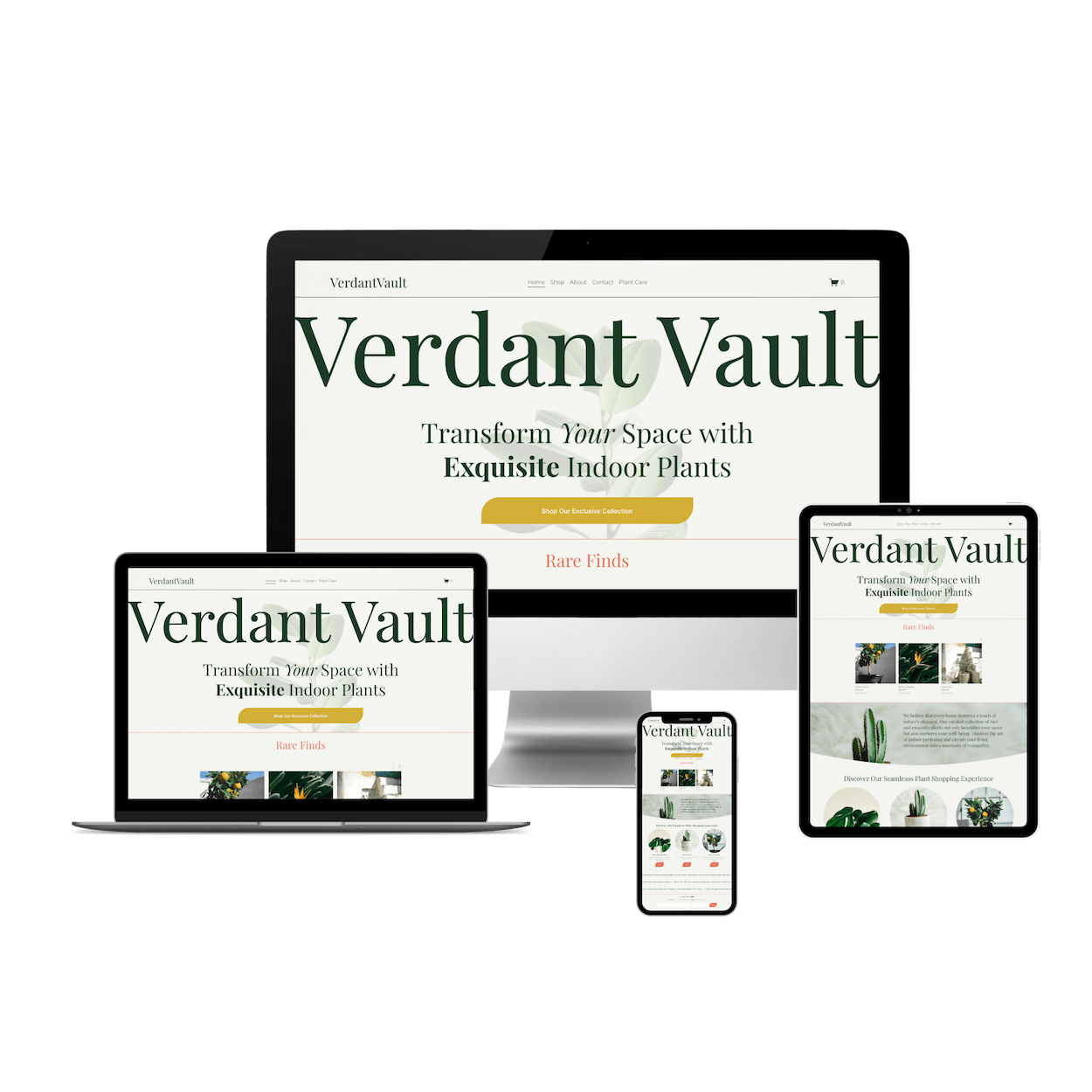
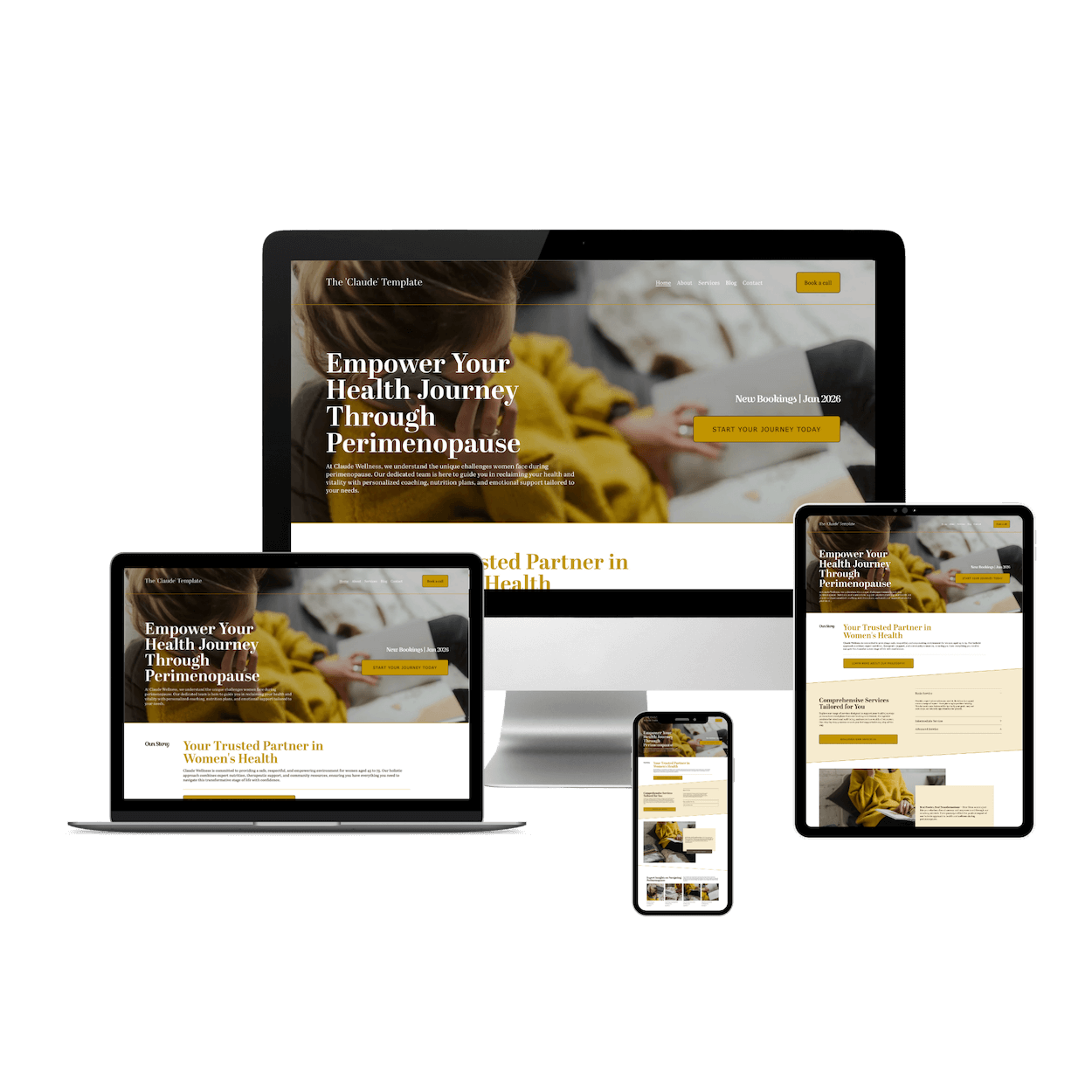
Skip the hassle and grab a done-for-you template below
Not Using Built-In Squarespace Tools for Conversion
Squarespace has several tools designed to help your site capture leads and drive sales, yet many users ignore them.
Key tools to leverage:
Announcement Bars: Highlight Black Friday promotions or lead magnets.
Form Blocks: Capture emails with minimal friction. For example, I left my form just below this piece of content in hopes that my readers will join my community, where I send newsletters once a month. (Ahem, I’m looking at you…)
Gallery & Image Blocks: Use visuals to showcase products or services with CTA overlays.
Customization Is King—Make That Template Yours
Squarespace templates are just that: templates. They’re meant to be customized, not worshipped. Swap out demo images for professional photos of your team, products, or workspace. Update colour schemes and fonts to align with your brand identity.
Personal touches like testimonials, behind-the-scenes shots, or a welcome video build trust and set you apart from cookie-cutter competitors. Don’t be afraid to break the mould; your website should feel unmistakably “you,” not “Squarespace default.”
SEO and User Experience—The Dynamic Duo
A gorgeous site that nobody can find online is a digital ghostey 👻. Optimize your Squarespace site for search engines by using keyword-rich headings, descriptive alt-text for images, and compelling meta descriptions. You can use Squarespace’s new, powerful AI tools to help speed the process along.
Don’t stop there! Prioritize fast load times, simple navigation, and mobile responsiveness. Google loves a site that’s easy to use, and so do your site visitors. Regularly audit your site for broken links, outdated content, and slow-loading pages.
I look at my site a few times a month to make sure everything is running smoothly. Every second counts when it comes to keeping visitors engaged and moving toward conversion.
One fabulous tool that I use, specifically made for Squarespace, is SEOSpace. SEOSpace helps Squarespace websites rank higher on Google and increase sales through its SEO plugin. Just when you think you’ve done all you can with your site, SEOSpace will run a quick audit of your site and tell you everything you need to do to make it even that much better.
A true game-changer when you need help with your website to rank on the most popular search engines. I use this personally, and for my clients. You can try it FOR FREE, or try their 7-day free trial with a subscription.
Test, Analyze, and Iterate for Results
Here’s where the “I got this” attitude pays off: you’re not guessing—you’re testing. Use built-in Squarespace analytics (and, if you’re ready to level up, Google Analytics) to track where visitors drop off and which pages are converting.
A/B test different headlines, button colours, and layouts to see what resonates with your audience. Don’t be afraid to pivot; the most successful websites are works in progress, not one-and-done masterpieces. Data-driven tweaks will turn your site into a conversion machine.
How to Fix It Fast (Without Hiring a Designer)
You don’t need a full redesign to improve conversions. Start small and strategic:
Audit your homepage: Identify the first thing a visitor sees. Make sure the CTA is obvious.
Revise your copy: Use AI + human editing to clarify your messaging.
Leverage Squarespace blocks: Add announcement bars, forms, or CTA buttons where missing.
Test and tweak: Even small changes can have a huge impact on clicks, sign-ups, and sales.
When to Call in the Pros
Sometimes, DIY only gets you so far. If you’ve optimized, customized, and analyzed your heart out but still aren’t seeing results, it might be time for expert help. A professional designer or consultant (like yours truly 👋) can audit your site, identify blind spots, and implement advanced strategies for design, multimedia, and SEO.
Investing in your website is investing in your business’s bottom line—don’t leave money on the table by settling for “good enough.”
If you’ve done all that’s above and still need help, I’m here for you! Fill out the form below so we can get connected ↓
Conclusion:
Your Squarespace website should be more than a digital business card—it should be your hardest-working sales tool. If it’s not converting, it’s time to get strategic, get bold, and get results. Ditch the default, embrace customization, and let data drive your decisions.
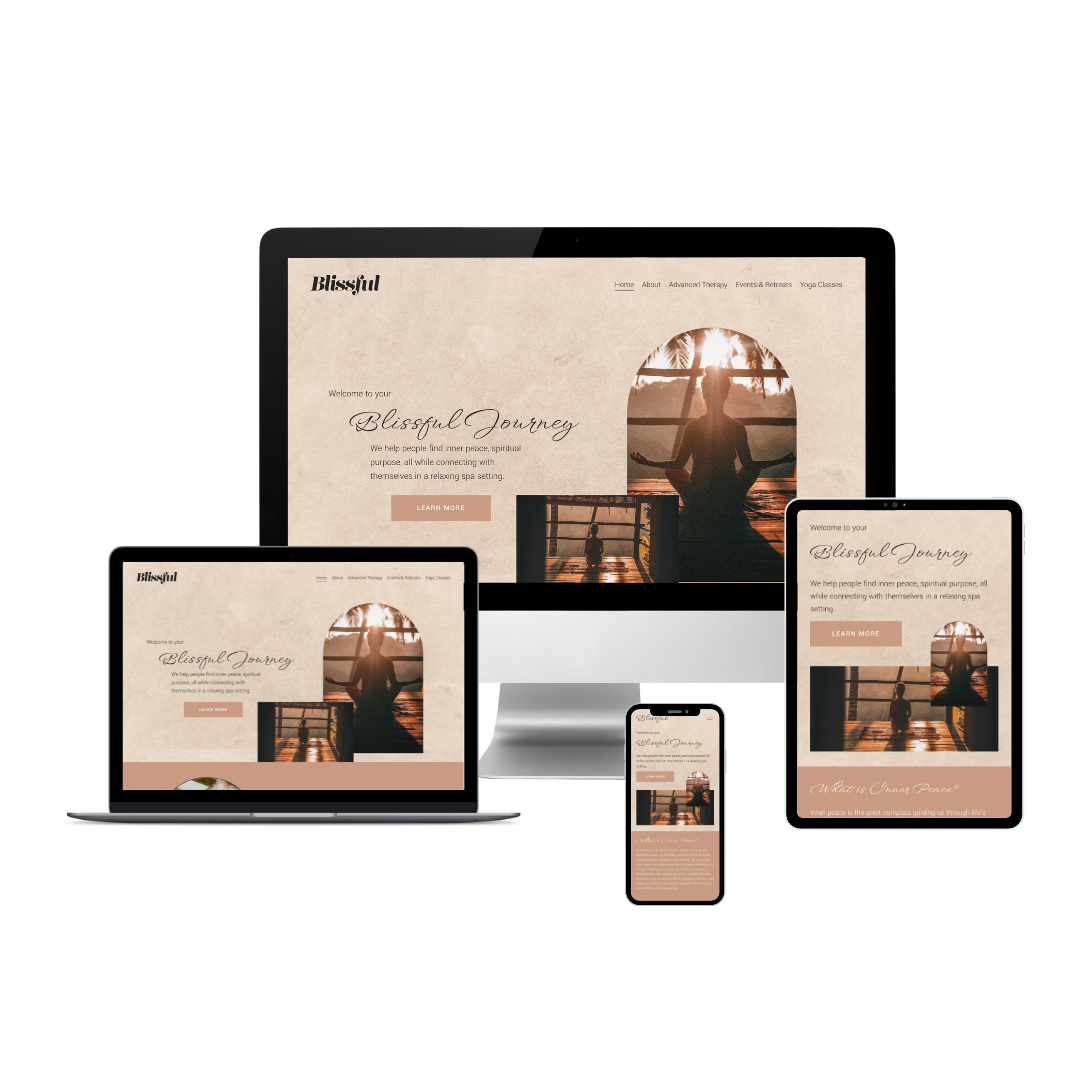
Ready to take your site from pretty to profitable? Special Black Friday Offer: Get 20% off Blissful from now until Nov 30th. Grab it today and prep your site for the busiest season of the year!
FAQ
-
Most sites fail because they focus on aesthetics over strategy, lack clear CTAs, or don’t use built-in tools to capture attention.
-
Audit your layout, update copy, leverage announcement bars and forms, and consider using a conversion-focused template like Blissful.
-
No. With strategic adjustments, AI-assisted copy, and the right template, you can optimize your site yourself.