
Is Your Website Holding You Back? 5 Fixable Mistakes That Could Be Costing You Clients
This page may contain affiliate links. If you click on a link and make a purchase, I may receive a small commission at no cost to you. I only recommend products and services that I genuinely believe in and use myself.
Your website isn’t just a digital business card — it’s your first impression, your sales tool, your virtual storefront. But if it’s not working for you, it could be turning potential clients away. Worry-pas folks, this isn’t about perfection. It’s about clarity, connection, and trust — and making a few simple improvements that can seriously shift how your site performs.
Here are 5 of the most common (and fixable!) mistakes I see on creative and service-based websites—and how to fix them today.
1. No Clear Call to Action (CTA)
I know not everyone knows what a CTA or Call to Action means. By its very definition, a CTA encourages users to take a specific action on a website or marketing platform, like signing up, buying, or learning more.
If you’re in the business of selling a product or serving customers, a strong call-to-action is the very thing you want people to do, because essentially, they’re buying what you’re selling!
If your homepage doesn’t have a bold, confident CTA (“Work With Me,” “Get a Quote,” “Shop Templates”), you’re leaving people unsure of what to do next.
Fix it: Add a strong, clear button in the top third of your site. Make it obvious, and make it easy.
Bonus tip: Use action verbs and make it personal — “Start Your Dream Site” or “Book My Spot.”
2. Your Design Doesn’t Match Your Brand Energy
You’re creative, passionate, and professional, but your site feels generic or messy. This disconnect creates confusion (and kills trust).
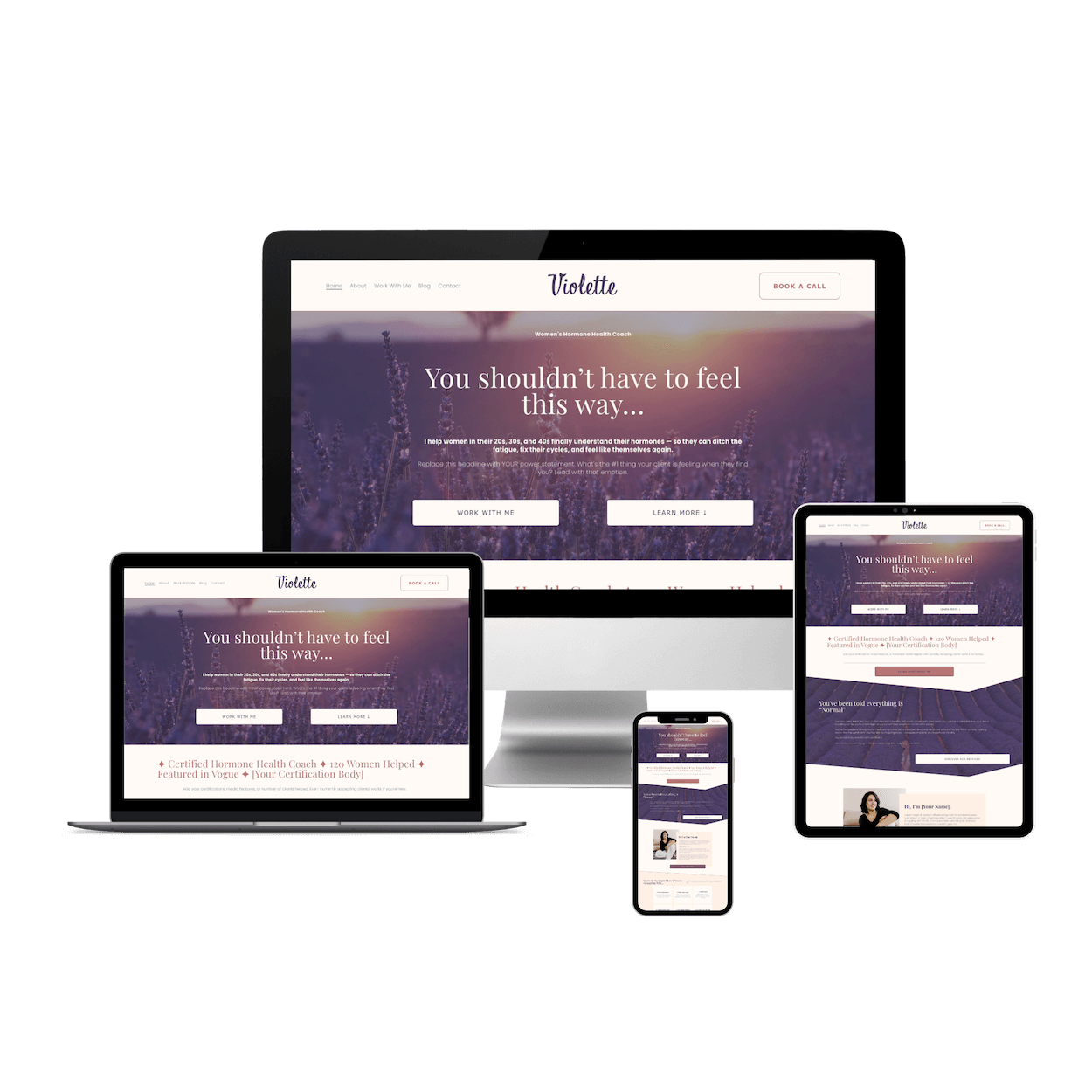
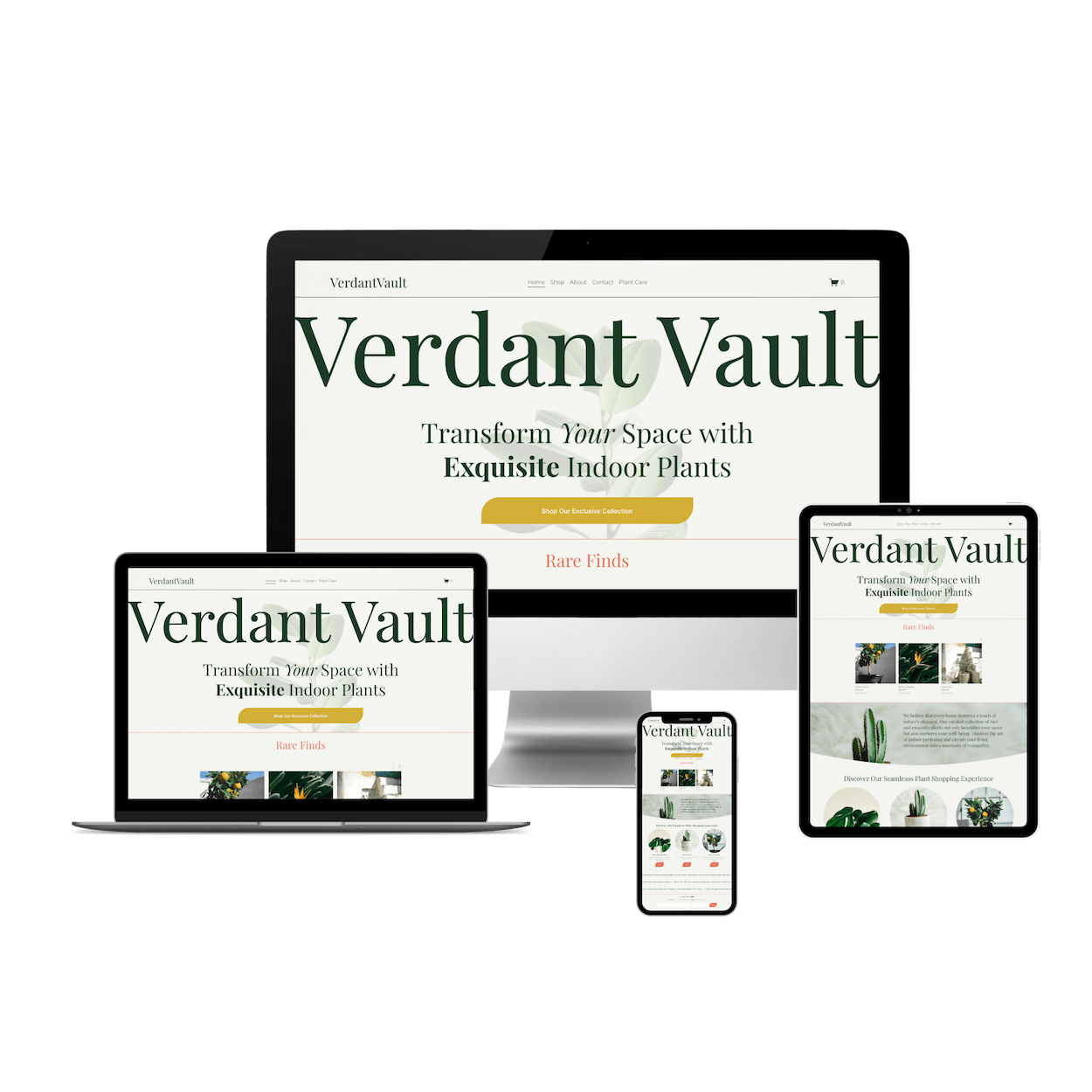
Fix it: Choose 2–3 brand fonts and stick with them. Use a tight colour palette. And if you need help, grab a designer-made Squarespace template (FYI, I sell a couple here).
Bonus tip: If you’re branding yourself or your business, try these steps:
Sign up for CopySpark by Squarestylist - I’m not affiliated, but this tool is incredible for developing your website’s content. Once you have your copy,
Prompt your AI assistant (Gemini or ChatGPT, etc.): I’m a [fill in the blank] and I need some colours and fonts to match my brand’s style, including who I am as a founder and what service I offer. Ask me some questions, one at a time, until you have enough context to be able to create some brand styles and guidelines that I can use to design my website.
Tweak the information to suit you best.
3. You’re Using Fluffy or Vague Language
Phrases like “Helping people reach their goals” sound nice, but don’t tell visitors what you actually do.
Fix it: Be specific. Tell them exactly who you serve, what you offer, and what they’ll gain by working with you.
Instead of “Empowering creatives,” say:
“Custom Squarespace templates for content creators who want to launch fast — and look good doing it.”
4. There’s No Social Proof
No testimonials, no logos, no client wins? That makes your site feel untested.
Fix it: Even one short review builds trust. Ask past clients, collaborators, or even beta testers for a quick quote you can feature on your homepage.
5. You’re Not Capturing Emails
Your website visitors might not be ready to buy today, but if you don’t offer them something valuable, they won’t come back.
Fix it: Add an opt-in form for a freebie (like my 5-minute website prep checklist!) to start growing your email list and building trust over time.
Let’s Wrap Up & Conclude
Take 10 minutes today to review your website. Start with your homepage — is it clear, branded, and actionable? If you’re not sure, grab my Free 5-Minute Website Prep Checklist to get clarity fast and start making smart updates.
And if you’re ready to start fresh with strategy baked in?