

Squarespace Website Prep: 5 Tips For Smart Building
This page may contain affiliate links. If you click on a link and make a purchase, I may receive a small commission at no cost to you. I only recommend products and services that I genuinely believe in and use myself.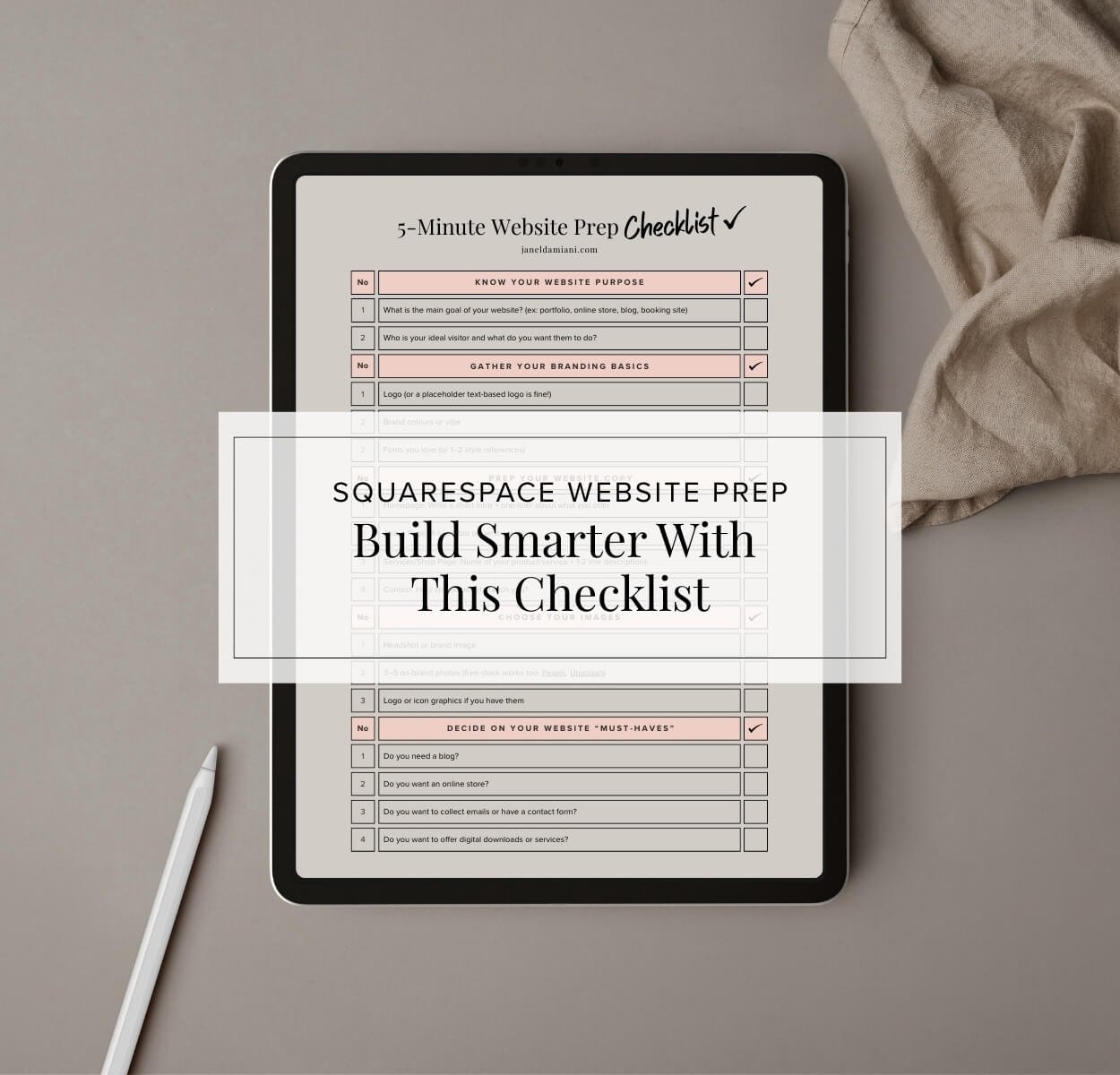
In the digital age, your website is often the first impression potential customers have of your business. It's your virtual storefront, your business card, and your portfolio all wrapped into one. Yet, many people rush into picking a template and diving headfirst into design, only to find themselves stuck and overwhelmed. To set yourself up for a smooth, stress-free website launch, there are a few crucial steps you should take first. Here’s how to ensure your website not only looks great but also functions effectively to meet your business goals.
So you’re ready to build a website — yay! But before you pick a Squarespace template (or build from scratch) and start dragging and dropping, there are a few essential steps that can save you hours of frustration (and a whole lot of second-guessing).
Whether you're DIY-ing your site or planning to buy a template, prepping just a little bit beforehand makes the entire process faster, smoother, and more intentional.
And yes — we’re in the age of AI now, which means you don’t have to do it all alone.
Let’s break it down:
Get Clear on Your Website’s Purpose
Before you even think about design, it's vital to understand the purpose of your website. What do you want visitors to do when they land on your site? Whether making a purchase, signing up for a newsletter, or contacting you for services, having a clear goal will guide your design and content choices.
This clarity is the foundation of a successful website. So, remember, before you even open Squarespace, ask yourself:
What do I want my website to do?
Who is it for?
What action do I want visitors to take?
Your answers shape everything–from your layout, to your navigation, to your call-to-actions.
✨AI Tip: Use ChatGPT or Gemini to help define your website goals.
Prompt Idea:
“Help me write a mission statement and three goals for my personal brand website that offers XYZ.”
Organize Your Branding Essentials
Brand consistency is key to building trust and recognition. Before you start designing, gather your branding essentials: your colour palette, fonts, and logo. If you don't have a logo yet, a placeholder will suffice for now.
These elements should be consistent across all your marketing materials, including your website. They convey your brand's personality and help create a cohesive look that resonates with your audience. Take the time to define these essentials, as they will influence the overall aesthetic of your site.
You don’t need a full brand suite to start, but a little visual consistency goes a long way.
What to have on hand:
Your logo (or a simple name-based placeholder)
Brand colours (Choose 2-3 to start, check this blog post for some gorgeous palettes)
1-2 clean fonts you love
✨AI Tip: Canva’s Brand + Magic Design tools make this process so easy. You can even ask:
“Show me a colour palette inspired by tropical beaches and lemons” 🍋
I mean, hey! I did it with my travel blog, Lemon&Life
Write Your Key Pages (Lightly!)
Content is king…Queen! But that doesn't mean you need to write a novel. Focus on crafting concise, compelling content for your key pages: the homepage, about page, and contact page.
Your homepage should include a brief introduction to your business and a clear call-to-action. The about page should offer a snippet about who you are and what you do, while the contact page should provide easy ways for visitors to get in touch. Keep it light and engaging, and remember, you can always refine your content later.
✨AI Tip: Ask AI to help you with the first drafts.
Prompt idea:
“Write a warm and creative About Me section for a Squarespace designer who loves lemons, the tropics, and helping solopreneurs launch beautiful websites” … Something that pertains to your biz of course!
Start with the AI draft, then edit it to sound like you.
Gather Photos & Graphics
Visuals play a significant role in capturing attention and conveying your brand message. However, when starting, less is more. Gather high-quality photos and graphics that align with your brand.
Consider using stock photos, but choose ones that feel authentic and not overly staged. A few well-chosen images can make a powerful impact, so focus on quality over quantity. As your business grows, you can always update and expand your visual content.
Great images instantly level up your site. You’ll want:
A headshot or personal photo (if applicable)
5–10 brand-style photos or graphics
Optional: mockups of your offers or products
✨ AI Tip: Use Canva’s AI image background remover and mockup frames to place your templates inside laptops, phones, or print scenes.
Don’t want to show your face? I’m the same… Do you know how long it took me to even place my image in my about section? Gheesh! Stock photos work too — just stay consistent with your vibe.
Choose the Right Template (Not Just the Prettiest One)
Choosing the right platform is crucial for the success of your website. Ahem… Squarespace is a fantastic option for many small businesses and entrepreneurs due to its ease of use, clean design, and mobile-friendly templates.
It's a platform that allows you to create a professional-looking site without needing extensive technical skills. Take the time to choose a template that aligns with your brand and goals.
Need help picking the right one?
My custom design templates come with a 20% off discount on your first year subscription with Squarespace, and a course that you can learn about the template and Squarespace at your own pace.
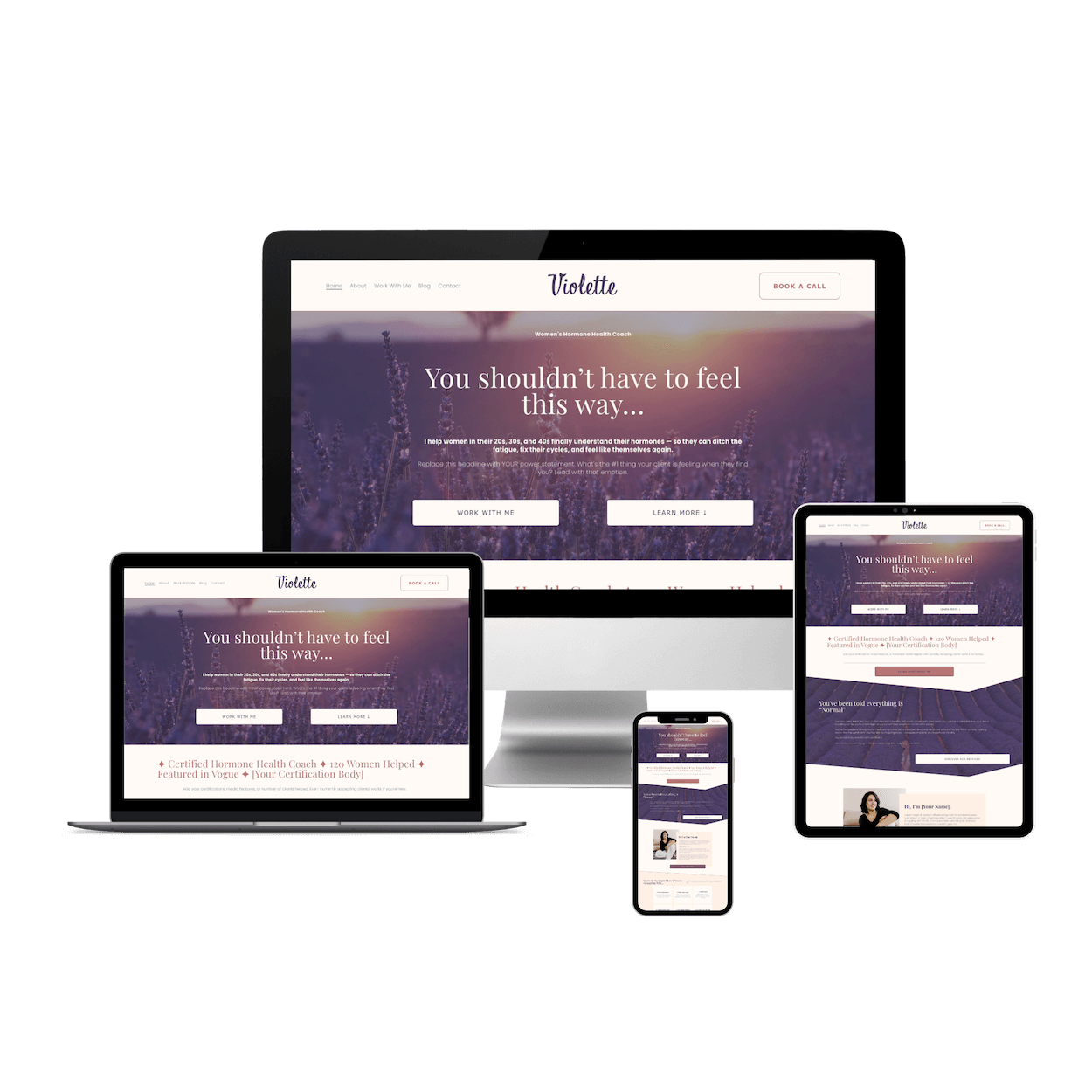
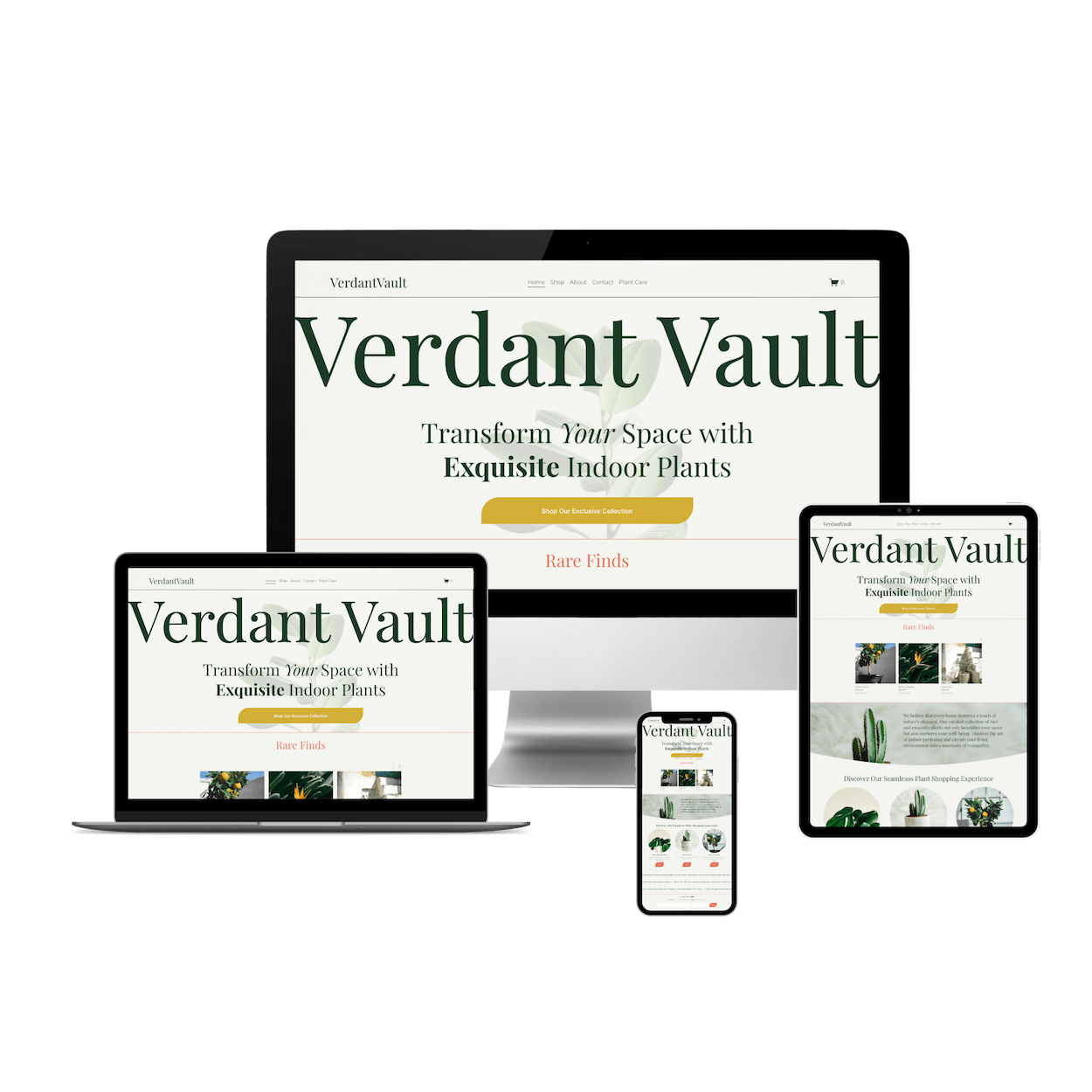
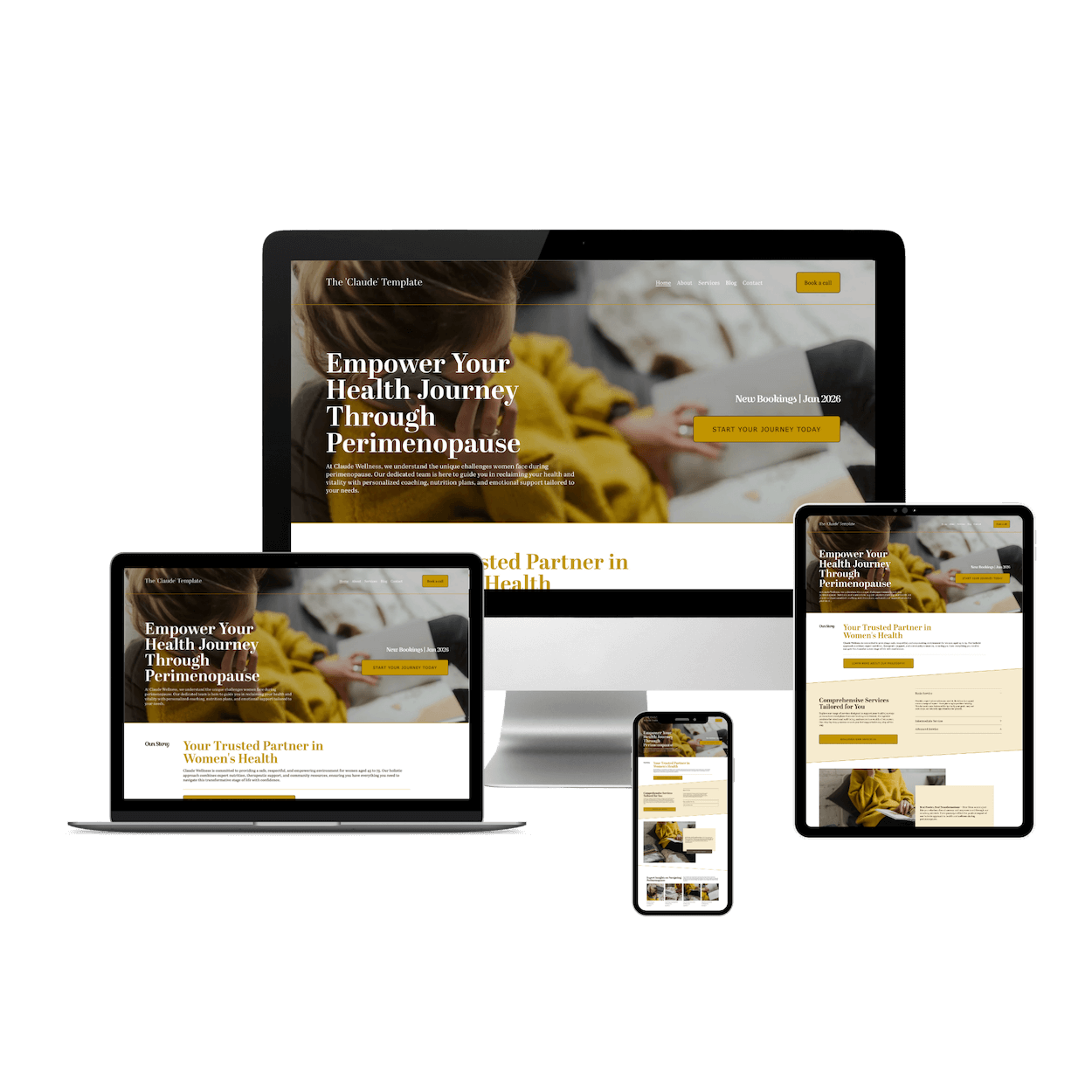
Squarespace has dozens of beautiful templates but choosing the right one for your goals is key.
Squarespace is mobile responsive and easy to customize.
You can choose layouts that suit your business and its core functions (Blog, shop, portfolio)
Super easy styles section allows you to add your colours, fonts, and other miscellaneous elements to update your site globally.
Final Thoughts:
Building a website doesn't have to be a daunting task. With a little preparation, you can create a site that not only looks great but also effectively serves your business needs.
Remember, you don’t need to be a designer to get started — just a little prep goes a long way. For more guidance, check out our checklist lead magnet to help you through each step of the process. Happy designing!
Got Questions?
Leave a comment, or DM me on IG – I’m always happy to help you build a site that feels like you.
